Awesome Visual Studio Code
March 20, 2024•3 min read
I spend a lot of time in my editor, so I always try to customize it to maximize productivity and comfort. I've used many editors over time:
- Sublime Text
- Atom
- WebStorm
- Visual Studio Code
- IntelliJ IDEA
But I always come back to Visual Studio Code. It's fast, has many extensions, and is very customizable. If I can, I use VSC. The only exceptions are when I work with Java/Kotlin, where I do not have many options 😔
Using all these editors taught me features, shortcuts, and customizations that I later applied to VSC.
I'll summarize some of the most useful things for me and share links to my config so you can apply them in VSC. I also plan to write a mini-book that covers these points in more detail. If you are interested, ping me on X 🙂
Visuals
I started programming more than 10 years ago. Back then, I was working in Java and did not enjoy it. I used Eclipse, and it felt slow, heavy, and filled with too much stuff.
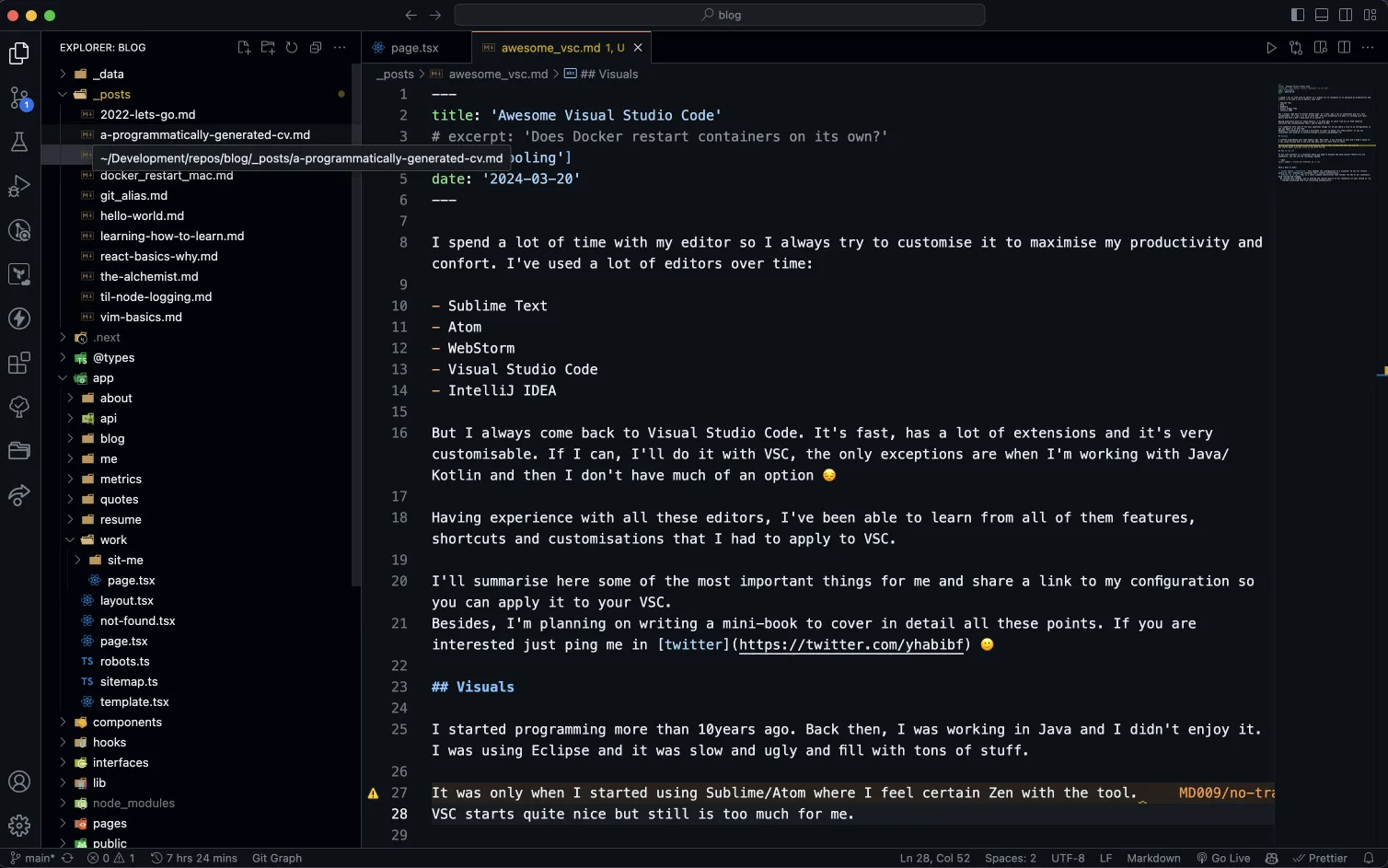
I've always been a fan of minimalism and I like to have a clean and simple UI. So, when I started using VSC, I started to customise it to make it look like I wanted.
I went from something like this
To something like this
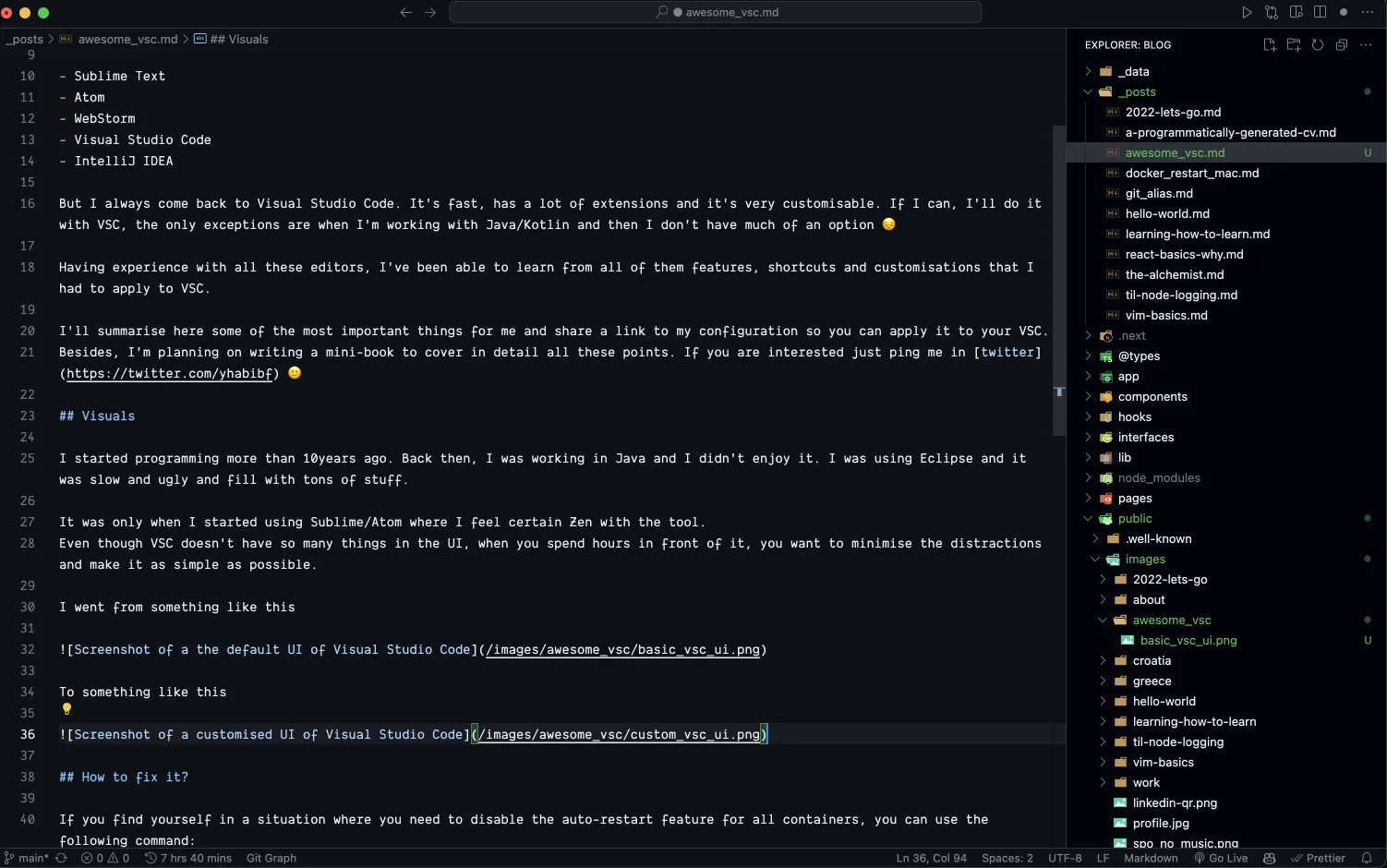
Can you find out all the differences? 😄
Dark theme is non-negotiable for me. Currently, I'm using the GitHub Dark Theme and I'm very happy with it.
You can find all my settings in my dotfiles
Shortcuts
Who has time for mice 😅? I'm not a 10x developer who masters Vim and thousands of shortcuts. For a long time, I used only basic shortcuts, but one day I realized the key to making shortcuts stick was context. Usually, shortcuts have no relationship between them, just random key combinations.
I started grouping things together and now I can reason what the combination is based on what I'm trying to do. Some examples:
Activity Bar: This refers to the icons on the left (or right) side of the editor.
cmd+kputs us in this mode, combining it with:cmd+gtoggles the git barcmd+etoggles the explorercmd+xtoggles the extensionscmd+btoggles the bar
I rely so much on some shortcuts, like toggling terminal and editor, that they do not need a context. For example:
cmd+etoggles the editorcmd+ttoggles the terminal
You can find all my shortcuts in my dotfiles
Plugins
Not much to say here. The most interesting ones for me are:
You can find the full list of my plugins in my dotfiles